Need the same certificate for a whole class, team, staff or volunteer crew? You don't have to make them one by one, and you don't need a Word mail merge. Design the certificate once, paste your list of names, and download every certificate in one ZIP. A list of 30, 100 or several hundred names takes about as long as one certificate.
Try it on any design: open the editor, tap + Add names and paste your list. Design and preview are free. No card, no sign-up.
In this guide
Who this is for
- Teachers and schools: honor roll, perfect attendance, reading awards and end-of-year certificates for a whole class or grade.
- Coaches and sports clubs: a participation or season award for every player on the roster.
- HR and managers: employee appreciation, years of service, training and onboarding completion for a team or the whole company.
- Trainers and course runners: a completion certificate for every attendee of a workshop, webinar or program.
- Charities, churches and clubs: volunteer thank-yous, Sunday school completion, member and donor certificates.
If everyone gets the same design and only the name (and maybe a date or course) changes, a names list is the fast way to do it.
Make certificates for a list of names in 4 steps
- Pick a design and set the wording once. Open any template in the editor and type the title, the reason for the award, the date and the signer's name. That wording is shared by every certificate.
- Tap + Add names and paste your list. One name per line. Copy a column straight out of Excel, Google Sheets or a class register and paste it in. Each line becomes one certificate.
- Check the preview. The preview updates as you type. Click any name in the list to see that person's certificate, so you can spot a long name that needs a smaller font, or a spelling mistake, before you download. Remove a name with the × next to it.
- Download everything in one ZIP. Choose Web (PNG, 72 DPI, for email and screens) or Print (PDF, PNG and JPG at 300 DPI). You pay once for the whole list and see the price before you pay. Right after payment you download the ZIP from your order page.
No account to create beforehand, no card to enter to try it, and no software to install. It works on a laptop, tablet or phone.
Have your list ready? Pick a design and paste it in.
Make certificates for a list of namesMore than names: dates, courses and hours from a spreadsheet
Sometimes more than the name changes per person: the course title, the completion date, the number of hours or the award category. For that, use a CSV file instead of pasting names:
- In the names box, choose Have a spreadsheet? Upload a CSV and download the CSV template. It has one column for each text field on the certificate, filled with the current wording.
- Keep only the columns that change per person (for example Name, Course and Date). Delete the rest; those fields keep the wording you set in the design.
- Add one row per person, save as CSV from Excel or Google Sheets, and upload it.
- Preview a few rows, then download the ZIP as above.
Names list vs. Word mail merge vs. one by one
| One by one | Word mail merge | Names list | |
|---|---|---|---|
| Time for 100 names | Hours | 30–60 minutes once you know it | A few minutes |
| Design | Any | Whatever you build in Word | Ready-made certificate designs |
| Check each certificate | Yes | Merge preview, record by record | Click any name to preview it |
| Files | One at a time | One long document, or print directly | One ZIP, PDF/PNG/JPG |
| Software | Any editor | Microsoft Word + Excel | A web browser |
Mail merge is still a good tool if you already have a Word certificate you love. If you're starting from scratch, or you don't want to fight with merge fields and page breaks, a names list is quicker.
Tips for a clean list
- Use the names people go by, spelled exactly as they want them. Ask for a list from the registration form rather than typing from memory.
- Remove empty rows and headers like "Name" or "Student" before you paste.
- Watch the longest name. Preview it: if it runs close to the edge, make the name font a little smaller in the design, and every certificate follows.
- Keep shared details in the design, not in the list: the date of the ceremony, the school name and the signature stay the same for everyone.
- Check before you download. Click through a few names, especially ones with accents, hyphens or apostrophes (Zoë, Mary-Jane, O'Connor).
Designs people use for groups
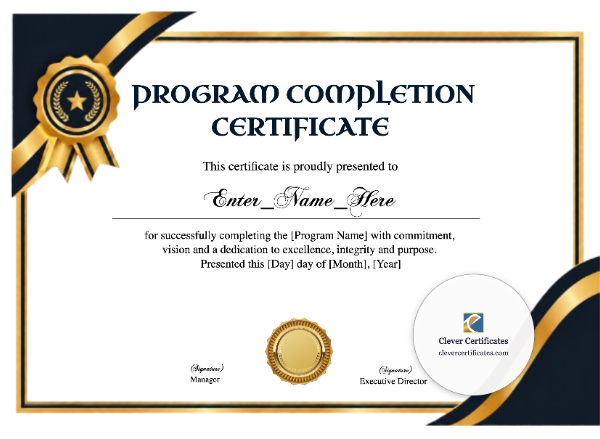
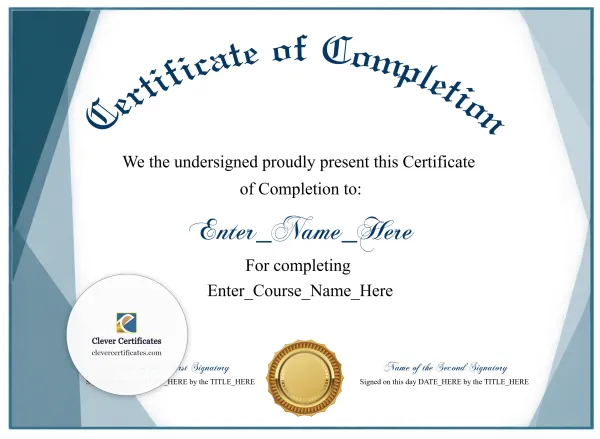
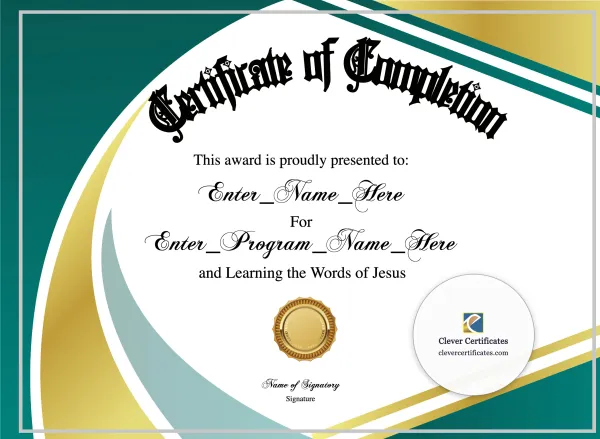
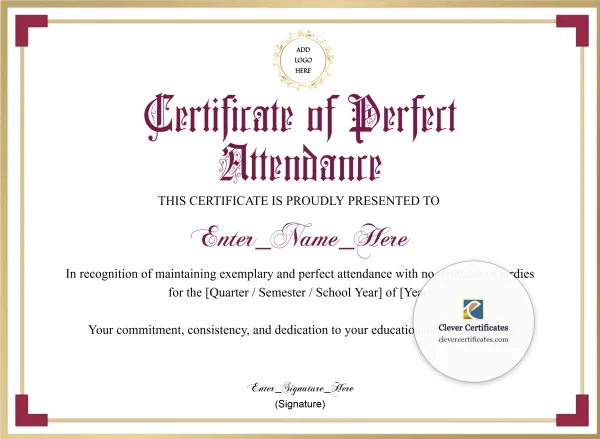
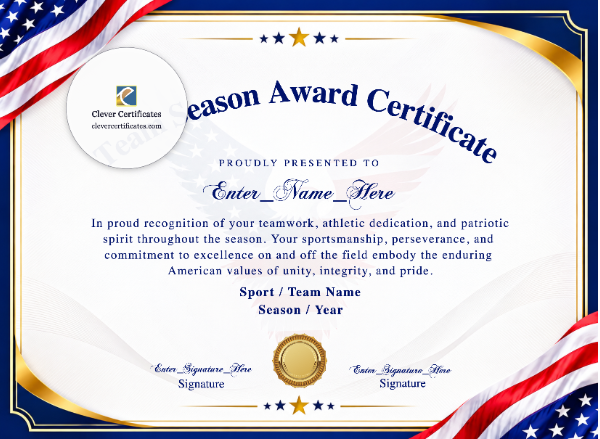

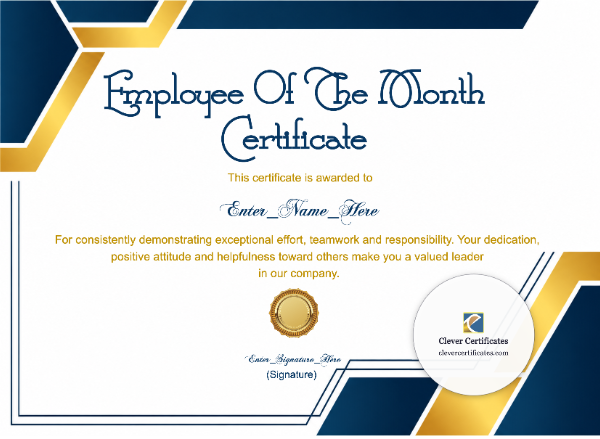
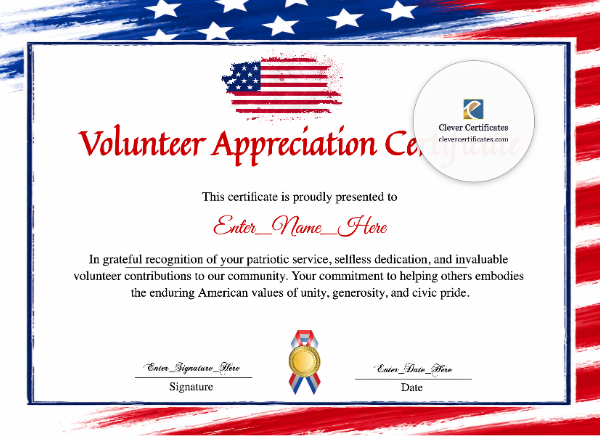
Same design, one certificate per name, one ZIP.
See how it worksQuestions
How many names can I add?
Hundreds. Paste a whole class, a full team roster or a company-wide list. The price for your list is shown before you pay.
Do I pay per certificate?
No. You pay once for the whole list, and a list costs less than buying the same certificates one at a time. There's no subscription.
Do I need an account or a card to try it?
No. You can pick a design, edit it, paste your names and preview every certificate without signing up or entering a card. You only pay when you download.
What do I get?
One ZIP with a certificate for every name. Choose Web (PNG, 72 DPI) for email, Teams, Slack or a class page, or Print (PDF, PNG and JPG at 300 DPI) for printing at home, at school or at a print shop.
Can each certificate have a different date or course?
Yes. Upload a CSV with a column for each field that changes, like name, course and date. Fields you leave out keep the wording from your design.
Can I paste names from Excel or Google Sheets?
Yes. Select the column of names, copy, and paste it into the names box. Each row becomes one certificate.
I make certificates for groups every month. Is there a better option?
If you issue certificates all year, have a look at our Unlimited plans as well.